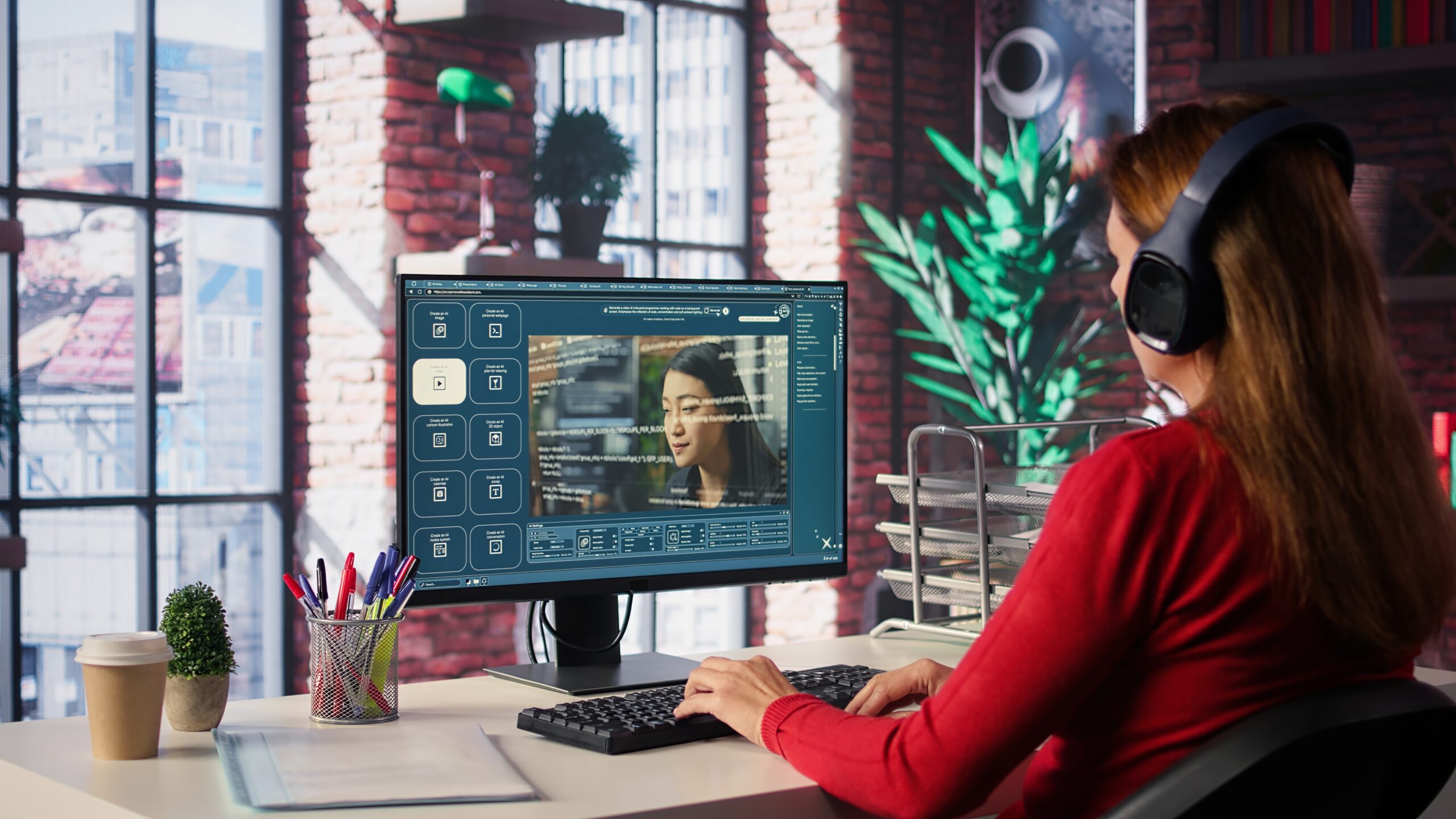
AI image editing has evolved from basic retouching to fully prompt-based creativity. Instead of clicking through endless toolbars, you can now describe your edits — “add sunlight through the window,” “remove the background,” “make it look cinematic” — and watch the AI instantly transform your image.
As of November 2025, several free AI image editor with prompt let you generate or enhance visuals using natural language prompts. I tested each platform for ease of use, image quality, and free-tier value to help creators, marketers, and designers choose the right one.
Best Free AI Image Editors at a Glance
| Tool | Best For | Platform | Prompt Input | Free Plan | Output Quality |
| Magichour.ai | Professional-grade AI prompt editing | Web | Yes | Yes | ★★★★★ |
| Fotor AI Editor | Quick edits & filters | Web, Mobile | Yes | Yes | ★★★★☆ |
| Pixlr AI | Fast background and object edits | Web | Partial | Yes | ★★★★☆ |
| Photopea | Photoshop-style editing | Web | Limited | Yes | ★★★☆☆ |
| Canva Magic Edit | Marketing visuals & content teams | Web, Mobile | Yes | Yes (limited) | ★★★★☆ |
| Playground AI | Experimental and artistic creation | Web | Yes | Yes | ★★★★★ |
1. Magichour.ai
Best for: Creators who want professional-level editing through natural language prompts
Magichour.ai has become one of the most advanced free AI image editors with prompt capabilities. The platform lets you perform complex edits — from lighting changes to background generation — entirely through text prompts.
The system supports multiple AI models and offers seamless style transfer, object replacement, and generative fill tools. Its interface is clean, fast, and focused on creators who want precision without technical friction.
Pros:
- Highly accurate prompt interpretation
- Fast processing even for high-res images
- Advanced features like generative fill and background replacement
- No watermarks on free-tier exports
Cons:
- Browser-based only (no mobile app yet)
- Limited daily prompt usage under free plan
Evaluation:
If you’re serious about creating visually compelling edits through natural language, this tool is unmatched in both accuracy and flexibility.
Price: Free tier available; Pro plans from $12/month
2. Fotor AI Editor
Best for: Quick and polished social media edits
Fotor’s AI suite adds a conversational editing experience — type “add sunset glow” or “smooth skin tone,” and it executes instantly. The platform combines automatic enhancement with fine control, perfect for quick touch-ups or social posts.
Pros:
- Intuitive text-to-edit workflow
- Variety of one-click AI tools
- Batch editing available
Cons:
- Some features locked behind paywall
- Limited customization in AI results
Evaluation:
Ideal for marketers who need fast, attractive edits without overcomplicating the process.
Price: Free plan with watermark; paid from $8.99/month
3. Pixlr AI
Best for: Fast object removal and background changes
Pixlr integrates AI tools into a lightweight web editor. You can prompt it to remove objects, extend backgrounds, or apply filters. It’s not a full generative platform, but great for efficiency.
Pros:
- Lightweight and browser-friendly
- Decent prompt-based automation
- No sign-up needed for basic edits
Cons:
- Prompts are less flexible
- Lower consistency in stylistic changes
Evaluation:
If speed matters most, Pixlr’s combination of automation and simplicity is hard to beat.
Price: Free with ads; Premium starts at $4.90/month
4. Photopea
Best for: Designers used to Photoshop tools
Photopea remains a web-based favorite for advanced image manipulation. While it doesn’t yet feature full prompt-driven generation, its new AI tools (like auto background detection and smart fill) show promising steps toward hybrid editing.
Pros:
- Familiar Photoshop-like interface
- Handles PSD files directly
- Extensive layer controls
Cons:
- Minimal prompt-based interaction
- Steeper learning curve for casual users
Evaluation:
Power users who already understand layer-based editing will find Photopea versatile — but less “AI-first.”
Price: Free with ads; ad-free $5/month
5. Canva Magic Edit
Best for: Marketing teams and branded visuals
Canva’s Magic Edit allows you to type a prompt directly into an image area — like “replace background with mountain landscape.” The system integrates smoothly with Canva’s full design suite.
Pros:
- Great for content creation pipelines
- Team collaboration features
- Works seamlessly across web and mobile
Cons:
- Limited free image generations per month
- AI results can vary in detail consistency
Evaluation:
A solid choice for business users who already rely on Canva’s design templates and workflow integrations.
Price: Free tier includes limited AI credits; Pro starts at $14.99/month
6. Playground AI
Best for: Artistic and experimental image editing
Playground AI blends image generation and editing, letting you adjust specific image areas via prompts. You can also stylize photos into paintings, illustrations, or cinematic frames.
Pros:
- Highly flexible prompt control
- Strong community for inspiration
- High-quality art-style results
Cons:
- Free plan limits commercial use
- Requires practice to master advanced features
Evaluation:
If creativity is your main goal, Playground AI gives you an expansive space to explore.
Price: Free with limited credits; paid plans from $15/month
How I Chose These AI Image Editors
Over the past month, I tested more than a dozen AI image editing tools across different categories: general-purpose, design, and creative generation. I evaluated them based on:
- Prompt accuracy – How well the AI understood natural language instructions
- Output quality – Realism, consistency, and resolution
- Speed and usability – How fast and smooth the workflow felt
- Free access – Whether meaningful results were achievable without payment
Every tool on this list met a minimum quality threshold for usability and output clarity.
The Market Landscape: Where AI Image Editing Is Headed
Prompt-driven image editing is rapidly replacing manual adjustment layers. As diffusion and inpainting models become more powerful, even free editors now deliver results once reserved for professionals.
The most significant trend in late 2025 is hybrid workflow editing — combining prompt inputs with manual refinement tools. Platforms like Magichour.ai are at the forefront of this movement, bridging traditional image manipulation with natural language precision.
We’re also seeing deeper integration between AI editors and content pipelines — social scheduling, website builders, and even 3D asset generation.
Final Takeaway
If you want to experiment with AI image editing without spending a dime, all six tools above offer serious creative power.
- Best overall editor: Magichour.ai
- Best for marketing visuals: Canva Magic Edit
- Best for quick photo cleanup: Pixlr AI
- Best for artistic creation: Playground AI
Each has its strengths, but prompt-based editing is now accessible to everyone — from designers and marketers to everyday creators.
FAQs
1. What is an AI image editor with prompt input?
It’s an editing tool that lets you modify or generate visuals by describing the desired change in text form — such as “add clouds,” “remove shadow,” or “enhance brightness.”
2. Are free AI image editors reliable?
Yes, though some limit resolution or credits. The best free tiers, like Magichour.ai and Fotor, still deliver professional-grade results.
3. Can I use prompt-based AI editors for commercial work?
Many free plans restrict commercial usage, so always review licensing terms before using outputs for business or paid projects.
4. Do these tools work on mobile devices?
Most do, but desktop browsers generally offer better performance and more advanced features.
5. Which tool is best for high-quality output?
Magichour.ai consistently produced the most detailed, accurate edits in my testing.