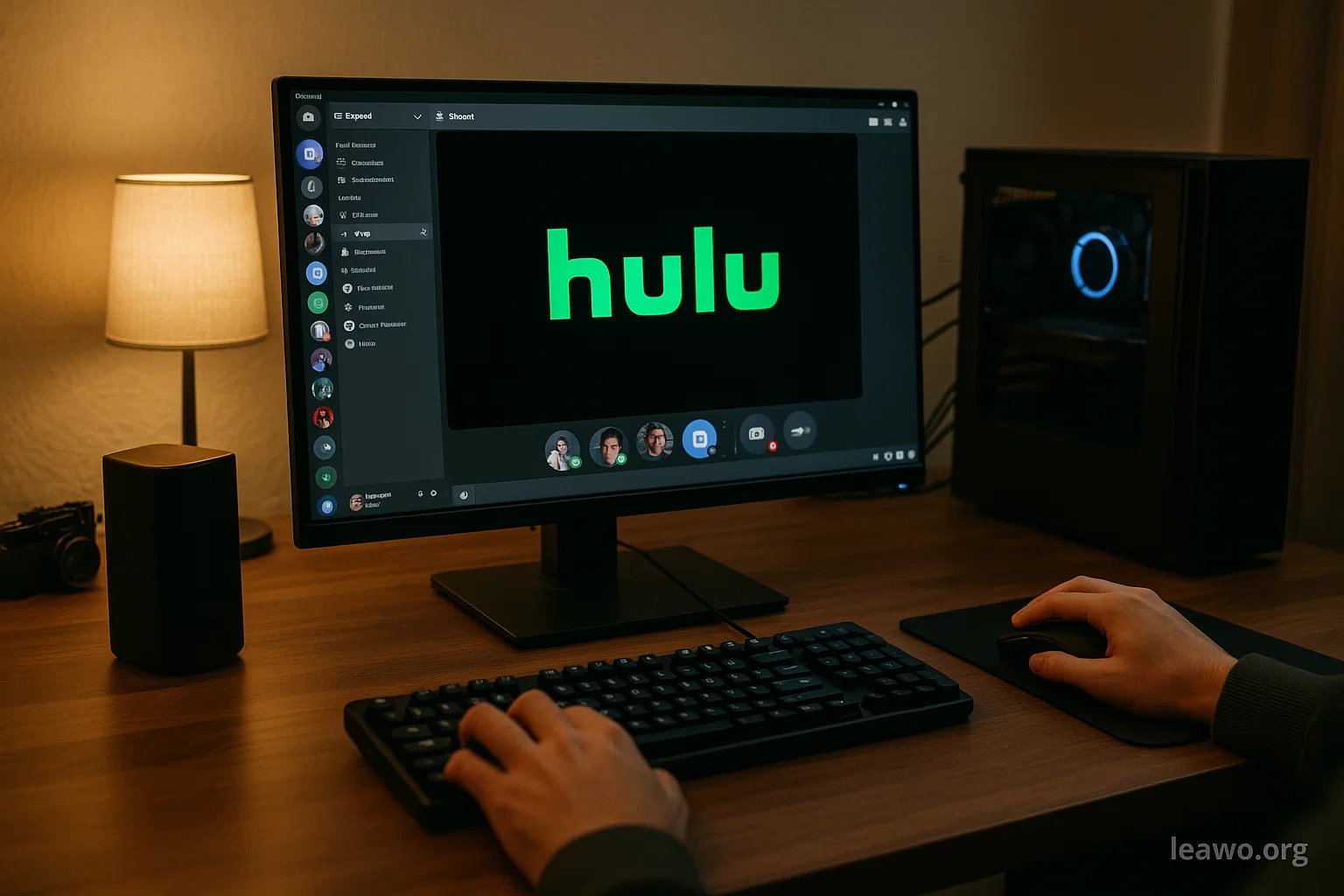
Discord has become the go-to platform for hanging out with friends online. You can chat, play games, and share your screen. Many users want to watch Hulu shows together on Discord. This guide will show you exactly how to do it.
Streaming Hulu on Discord can be tricky at first. You might see a black screen instead of your video. Don’t worry. We’ll explain why this happens and how to fix it. By the end of this guide, you’ll know multiple ways to watch Hulu with your friends.
How to Stream Hulu on Discord Directly?
Discord allows screen sharing as a built-in feature. You can use it to stream Hulu content. However, there are some limitations you should know about.
The biggest issue is DRM protection. Hulu uses Digital Rights Management to protect its content. This often causes a black screen when you try to stream. The audio might work, but the video stays black. This is frustrating but fixable.
1. Stream on PC
Streaming Hulu on Discord from your PC is possible. Follow these simple steps to get started.
First, open Discord on your computer. Join a voice channel or start a direct call. Look for the screen share icon at the bottom of your screen. Click on it to begin.
Next, choose what to share. You have two options here. You can share your entire screen or just a specific window. For Hulu, select the browser window where Hulu is playing.
Open your web browser and go to Hulu.com. Log in to your account. Find the show or movie you want to watch. Start playing the video.
Now go back to Discord. Click the screen share button again. Select your browser window from the list. Make sure to choose the correct window. Click “Go Live” to start streaming.
Your friends should now see your Hulu stream. The video quality depends on your Discord Nitro subscription. Free users get 720p at 30fps. Nitro users can stream at 1080p or even 4K.
Important limitations to remember:
- You might still see a black screen due to DRM protection
- Hardware acceleration can cause issues
- Stream quality affects everyone’s viewing experience
- Only server members with permission can view your stream
To fix the black screen issue:
Open your browser settings. Find the system or advanced section. Look for hardware acceleration settings. Turn off hardware acceleration completely. Restart your browser and try streaming again.
This method works for Chrome, Firefox, and Edge. Each browser has slightly different settings. Check your specific browser’s help section if needed.
2. Stream on Mobile Phone
Mobile streaming on Discord is more limited. The Discord mobile app has fewer features than the desktop version.
On Android, open the Discord app. Join a voice channel. Tap the screen share icon. Select your screen to share. Open Hulu in your browser or app. Start playing your content.
The process is similar on iPhone. However, iOS has stricter DRM protections. You’ll likely encounter more black screen issues. Mobile streaming also uses more battery and data.
Mobile streaming drawbacks:
- Lower video quality options
- Higher data usage on cellular networks
- More DRM restrictions on iOS
- Smaller screen for selecting windows
- Battery drains faster during streaming
Mobile streaming works best on WiFi. Make sure you have a stable connection. Close other apps to improve performance.
Download Hulu Videos for Screen Sharing on Discord
Downloading Hulu videos solves the black screen problem. When you have the video file, DRM doesn’t block it. You can stream downloaded content without issues.
CleverGet is a reliable tool for this purpose. It can download Hulu videos in high quality. The software is easy to use. You don’t need technical skills to operate it.
Here’s how to use CleverGet:
First, download and install CleverGet on your computer. Open the program after installation. You’ll see a clean, simple interface.
Copy the Hulu video URL from your browser. Paste it into CleverGet’s address bar. Press Enter to load the video. CleverGet will analyze the link.
Choose your preferred video quality. Select the download format you want. MP4 format works best for streaming. Click the download button to start.
Wait for the download to complete. The time depends on video length and quality. CleverGet shows download progress clearly.
After downloading, find the video file on your computer. Open Discord and start screen sharing. Play the downloaded video using your media player. Share that window on Discord.
Benefits of downloading Hulu content:
- No black screen issues
- Better streaming stability
- No buffering during playback
- Works offline
- Can edit or trim videos if needed
Keep in mind Hulu has download limits on its library for offline playback. Third-party tools like CleverGet bypass these restrictions. However, only download videos from Hulu for personal use. Sharing copyrighted content is illegal.
Alternative Ways to Watch Hulu Together
Discord isn’t the only way to watch Hulu with friends. Several other options exist. Some are easier than Discord streaming.
Hulu Watch Party is the official solution. It’s built right into Hulu. You don’t need any extra tools. Everyone needs their own Hulu subscription though.
To use Watch Party, open Hulu on your computer. Find a show or movie. Look for the Watch Party icon. Click it to create a session. Share the invite link with friends. Everyone can watch together in sync.
Watch Party includes a chat feature. You can react and comment in real-time. The video stays synchronized for everyone. Up to eight people can join one Watch Party.
SharePlay on Apple devices is another option. It works on iPhone, iPad, and Mac. All users need iOS 15.1 or higher. Everyone also needs a Hulu subscription.
Start a FaceTime call with friends. Open Hulu and start playing content. Tap the SharePlay button that appears. Your friends will see a prompt to join. The video plays in sync across all devices.
Teleparty (formerly Netflix Party) supports Hulu too. It’s a browser extension for Chrome and Edge. Install the extension on everyone’s browser. One person hosts the party and shares the link.
Teleparty synchronizes playback across browsers. It has a group chat sidebar. You can pause, play, and rewind together. The extension is free to use.
Other third-party tools include:
- Scener: Works with multiple streaming services
- Rave: Available on mobile devices
- Kast: Offers screen sharing for any content
- Metastream: Open-source watch party solution
Each tool has pros and cons. Choose based on your needs. Consider factors like subscription requirements and device compatibility.
FAQs
Can you stream Hulu on Discord without a black screen?
Yes, but it requires turning off hardware acceleration. Go to your browser settings and disable this feature. Alternatively, download videos and stream the files instead.
Why does Hulu show a black screen on Discord?
DRM protection causes this issue. Hulu uses content protection that blocks screen sharing. Hardware acceleration in browsers can make it worse.
Does Discord Nitro help with Hulu streaming?
Discord Nitro improves stream quality and resolution. It doesn’t fix the black screen problem though. You still need to disable hardware acceleration.
Is streaming Hulu on Discord legal?
Streaming to friends in private servers is generally okay. Don’t stream to large public servers. Never charge money for access. This violates Hulu’s terms of service.
What’s the best browser for streaming Hulu on Discord?
Chrome and Firefox work well with hardware acceleration disabled. Edge is also reliable. Avoid older browsers with limited streaming support.
Can I stream Hulu on Discord mobile app?
Yes, but with more limitations. Mobile has stricter DRM protections. Battery life and data usage are concerns. The experience is better on desktop.
Conclusion
Streaming Hulu on Discord is possible with the right setup. The key is understanding DRM protection issues. Turn off hardware acceleration to avoid black screens. Select the correct window when sharing your screen.
Downloading videos offers the most reliable solution. Tools like CleverGet make this process simple. Downloaded content streams without any problems. Just remember to respect copyright laws.
Alternative methods like Hulu Watch Party work great too. They’re often easier than Discord streaming. Choose the method that fits your situation best. Consider subscription requirements and device compatibility.
Now you have multiple ways to watch Hulu with friends. Test different methods to find your favorite. Enjoy your watch parties and happy streaming!